

In order to join our meetings please follow the instructions below.
- Go to https://www.virbela.com/ on your PC or Mac and click on the Get Started button
- Register on Virbela (see below for helpful tips)
- Download the app for your device
- Create your avatar
- Log in at the next meeting time
Virbela Registration
When you register, choose ITKAN as the Organization. The Organization Size is 11-50.
Username and Avatar
Consider creating a username that is close to your real name. We will be interacting with other professionals in the environment. Have fun with your avatar, but if you veer far from a real work likeness and you use a non-recognizable username please greet people in world with your true identity.
What to do when you log into the campus
Virbela is very intuitive. Feel free to roam around and experiment. You can contact Brian Chorba, Nisarg Thakkar, or Pat Maher by email, and we will be there to assist you.
Getting to our meeting space
We will be using a private room, and you will receive information on how to access it.
The below information is for our legacy meeting space on the roof of the Auditorium Building in Virbela’s Open Campus. feel free to check it out. Once in Virbela, you will start in the Welcome area. If you click on the map icon, you can click on the Auditorium Lobby to go straight there. Once in the lobby, go to the elevator.

Alternately, you could walk towards the pirate ship and to the southeast corner of the Auditorium building where you will find an elevator.

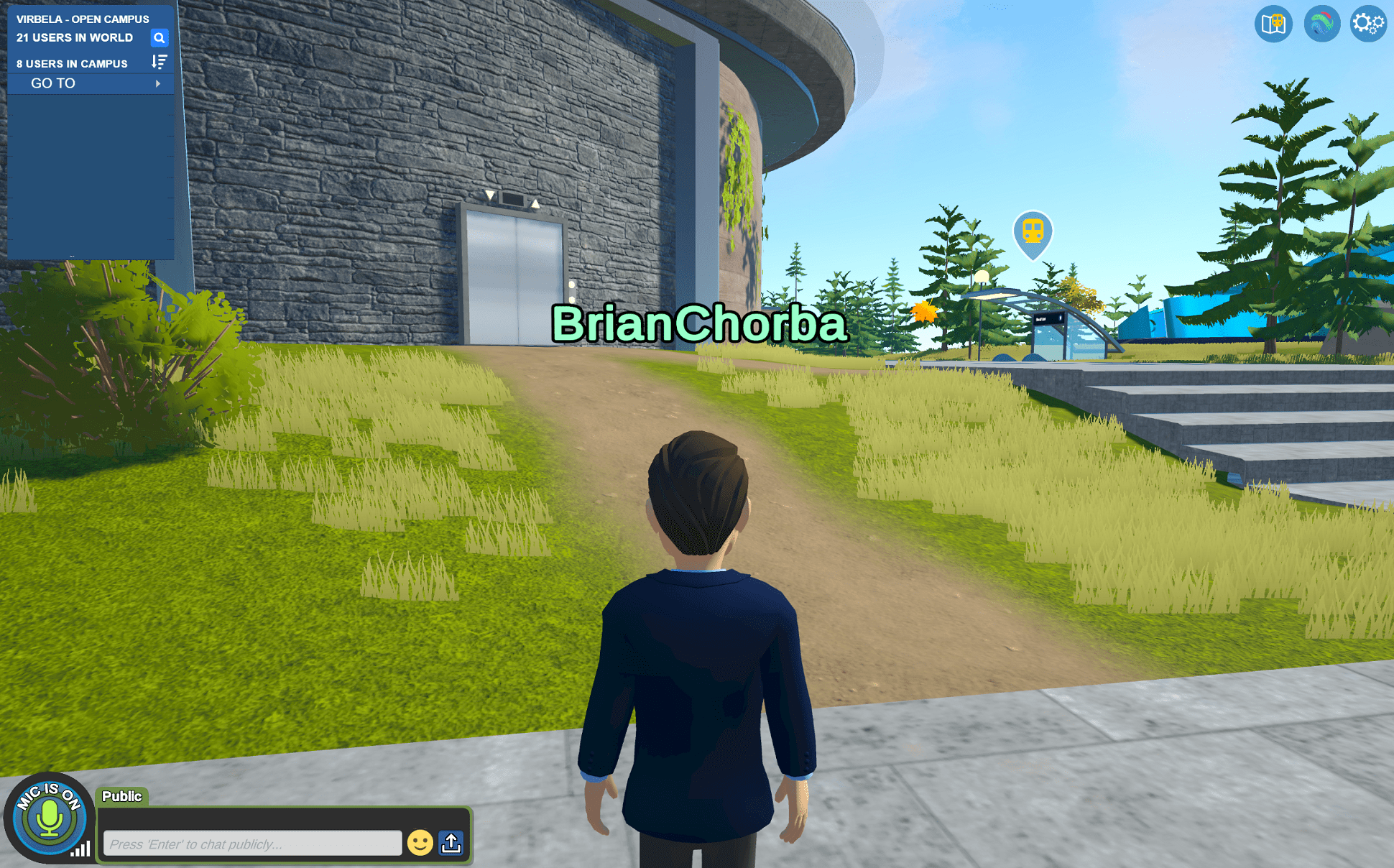
Once you are on top of the Auditorium Building walk west by keeping the seaside view on your left. You will come upon our roof top meeting place.
